How to Use ChatGPT for SEO

How to Use ChatGPT for SEO isn’t about replacing SEO expertise with AI. After using ChatGPT extensively while building BestOfGuru.in, I’ve found that it works best as an SEO assistant that helps me analyze search intent, create content outlines, improve on-page SEO, and speed up repetitive tasks while I remain responsible for strategy, testing, and final optimization.
That’s exactly why I brought ChatGPT into my SEO workflow. Not to write my articles for me I tried that early on, and it showed in rankings but to speed up the boring, repetitive parts of SEO so I can spend more time on the parts that actually move the needle: research, structure, and adding my own experience.
In this guide, I’m showing you the exact way I use ChatGPT for SEO on my own site, step by step, including the prompts I actually type. If you’re a beginner blogger in India trying to figure out where AI fits into your SEO process, this is the workflow I wish someone had handed me a year ago.
Quick Takeaway — How I Use ChatGPT for SEO
- Understand search intent before writing a single word
- Brainstorm keyword and topic ideas around a seed keyword
- Build SEO-friendly article outlines with proper heading structure
- Improve headings, flow, and readability of my drafts
- Generate meta titles and meta descriptions
- Create FAQ sections that target “People Also Ask” queries
- Optimize existing, older articles that have stopped ranking
- Review and publish everything manually; ChatGPT never gets the final say
What Is ChatGPT and How Can It Help With SEO?

Can ChatGPT Do SEO?
Not on its own. ChatGPT doesn’t crawl the live web, doesn’t know your actual keyword rankings, and can’t see your Search Console data unless you paste it in. What it’s genuinely good at is language understanding, intent, structuring content logically, and generating variations of text fast. Think of it as a very fast junior writer sitting next to you, not an SEO strategist running your account.
What ChatGPT Is Good At
- Content planning and topic clustering ideas
- Search intent analysis for a given keyword
- Drafting outlines with proper H2/H3 structure
- Helping write sections faster once you give it direction
- Generating meta titles, meta descriptions, and slugs
- Writing first-draft FAQs
- Suggesting internal linking opportunities based on topics you give it
What ChatGPT Cannot Do
- Replace dedicated keyword research tools like Google Keyword Planner, Ubersuggest, or Ahrefs
- Access live search rankings or SERP positions
- Track your competitors accurately or in real time
- Replace Google Search Console data
- Replace real SEO experience; it has no idea what’s actually working on your site
My Personal SEO Workflow Using ChatGPT
Here’s the process I follow for basically every article I publish on BestOfGuru.in now:
- Keyword research done outside ChatGPT, using free tools plus Search Console data
- Analyze search intent for that keyword
- Build the article outline
- Generate section-by-section first drafts
- Add my own personal experience and examples on top of the draft
- Optimize headings for clarity and keyword placement
- Create the FAQ section
- Write the SEO title and meta description
- Add internal links to related articles
- Do a full manual review before hitting publish
Honestly, the biggest win isn’t “better content”; it’s speed. An outline and first draft that used to take me 2-3 hours now takes 30-40 minutes, which means I can put that saved time into research and adding real value instead.
How to Use ChatGPT for SEO Step by Step
Step 1: Understand Search Intent
Before I write anything, I ask ChatGPT to break down what someone searching a keyword is actually looking for — informational, transactional, navigational, or commercial.
Example prompt: “I’m targeting the keyword ‘[your keyword]’ for an Indian audience. Analyze the likely search intent and tell me what a searcher expects to see on the page.”
Step 2: Generate Content Ideas
Once I know the intent, I use ChatGPT to expand the topic into subtopics and related angles I might have missed.
Example prompt: “Give me 15 subtopics and related questions people might search around ‘[your keyword]’, grouped by search intent.”
Step 3: Create an SEO-Friendly Outline
I feed the subtopics back in and ask for a structured outline with proper heading hierarchy.
Example prompt: “Turn this list of subtopics into a blog outline with H2s and H3s, optimized for the focus keyword ‘[your keyword]’. Keep it beginner-friendly for an Indian audience.”
Step 4: Write Helpful Content
I never ask ChatGPT to write the whole article in one shot; that’s where quality drops fast. Instead, I go section by section, feeding it my outline plus my own notes and asking it to draft one H2 at a time. Then I rewrite chunks in my own voice, add real screenshots, and drop in things I actually noticed while testing the tool or process myself.
Step 5: Improve On-Page SEO
Once the draft is done, I run it back through ChatGPT for a structural pass, checking:
- Heading clarity and keyword presence in H2s
- Readability: shorter sentences, simpler words
- Natural keyword placement (never stuffed)
- Semantic/related keywords I might have missed
Step 6: Generate SEO Elements
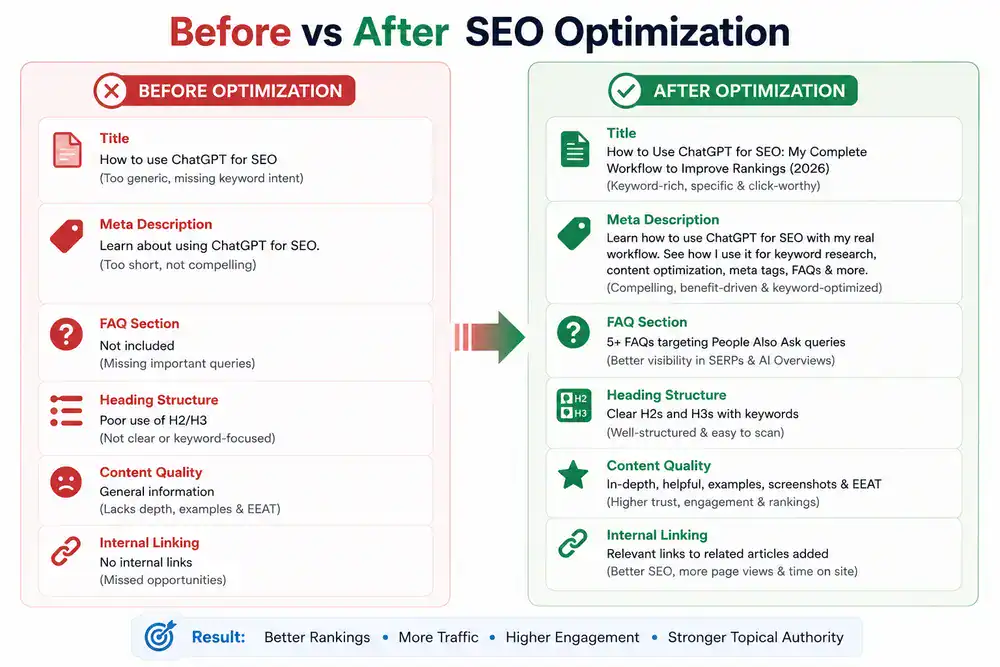
I ask for the supporting SEO elements last, once the content itself is locked:
- SEO title options
- Meta description options
- FAQ questions and answers
- Slug suggestions
- Image alt text
Step 7: Manual SEO Review
This is the step most people skip, and it’s the one that matters most. Before publishing, I personally check:
- Every fact ChatGPT included, since it can get specifics wrong
- E-E-A-T signals is my real experience visible in the article?
- Original examples and screenshots from my own testing
- Internal linking to relevant existing articles on the site
Real Example: How I Use ChatGPT for SEO on BestOfGuru.in
This article is a good example of how I use ChatGPT as part of my SEO workflow on BestOfGuru.in. I started by identifying the focus keyword, analyzed its search intent, and used ChatGPT to create a structured outline. Instead of generating the entire article in one prompt, I worked section by section, refining each draft with my own experience and practical insights.
Once the content was complete, I optimized it using Rank Math, improved keyword placement where needed, added internal links to related ChatGPT guides, included original visuals, and performed a final manual review before publishing. This approach helps me create content that is both SEO-friendly and genuinely useful for readers.
Best SEO Tasks ChatGPT Can Help With
| SEO Task | ChatGPT | Human Review Needed |
|---|---|---|
| Search Intent | ✅ | Medium |
| Outline | ✅ | Medium |
| Content Draft | ✅ | High |
| SEO Title | ✅ | Medium |
| Meta Description | ✅ | Medium |
| FAQs | ✅ | Medium |
| Keyword Research | ❌ | Human + SEO Tools |
| Rankings | ❌ | SEO Tools |
| Technical SEO | ❌ | Human |
Best ChatGPT Prompts for SEO
A few prompts I keep coming back to:
Keyword clustering: “Group these keywords into topic clusters based on search intent: [paste keyword list].”
Search intent: “What is the primary search intent behind ‘[keyword]’, and what content format usually satisfies it?”
Outline: “Create a detailed blog outline for ‘[keyword]’ with H2s, H3s, and a suggested word count for each section.”
Meta title: “Write 5 SEO title options for an article about ‘[topic]’, each under 60 characters, including the keyword ‘[keyword]’.”
Meta description: “Write 3 meta description options for ‘[topic]’, each under 155 characters, that include the keyword and a reason to click.”
FAQs: “Generate 6 FAQ questions and short answers for an article on ‘[topic]’, based on common questions people ask about this.”
Internal linking: “Here’s a list of my existing articles: [list]. Which ones would make sense to internally link from a new article about ‘[topic]’?”
Content improvement: “Review this section for clarity and readability. Suggest improvements without changing the meaning: [paste section].”
Common SEO Mistakes When Using ChatGPT
- Keyword stuffing because ChatGPT repeats the keyword too often when asked
- Publishing AI drafts unchanged, without adding real experience
- Ignoring search intent and writing what ChatGPT assumes instead of what your audience needs
- Skipping internal linking entirely
- Weak E-E-A-T: no personal voice, no proof you actually know the topic
- Relying on outdated SEO advice ChatGPT may have picked up in training
- Skipping fact-checking on stats, tool names, or pricing
SEO Tips That Improved My Rankings
- Writing for the actual reader first, rankings second
- Matching search intent precisely instead of guessing
- Building topical clusters instead of random one-off posts
- Updating older articles regularly instead of only publishing new ones
- Using my own screenshots and images instead of stock visuals
- Adding real, tested experience in every article; this is what AI can’t fake
Pros and Cons of Using ChatGPT for SEO
Pros
- Saves significant time on outlines, drafts, and SEO elements
- Helps beginners understand search intent and content structure
- Speeds up FAQ, meta title, and meta description creation
- Useful for brainstorming topic clusters and internal linking ideas
Cons
- Can produce generic content without human input
- No access to real-time rankings or keyword data
- Can get facts, prices, or tool details wrong
- Overreliance can hurt E-E-A-T and originality
- Still needs a human SEO review before publishing
Does Google Allow AI for SEO?
One habit that’s made the biggest difference for me is treating ChatGPT as an assistant rather than an authority. I never assume its answers are correct without verification. Every important fact, recommendation, and example is reviewed manually before it becomes part of an article on BestOfGuru.in.
Short answer: yes, as long as the content is genuinely helpful. Google has been consistent on this; its ranking systems aim to reward original, high-quality content that demonstrates expertise, experience, authoritativeness, and trustworthiness, regardless of how that content was produced. What Google’s spam policies actually target is using automation, including AI, with the primary purpose of manipulating search rankings, not AI-assisted writing itself.
That said, 2026 has made the bar noticeably higher. Google’s Search Quality team has been public about the fact that because AI has lowered the barrier to creating content, Google has had to raise its bar for what actually gets indexed and ranks well, warning specifically against generic, easily replicated “commodity” content. Recent core updates this year have reinforced that pattern.
My honest takeaway after using ChatGPT for SEO for months: Google doesn’t care that I used ChatGPT to draft an outline. It cares whether the final article is actually useful, accurate, and shows I’ve done the work myself. That’s the whole reason this workflow always ends with a manual review. I’m not trying to hide the AI; I’m trying to make sure the article is genuinely worth reading.
Related ChatGPT Guides
- How to Use ChatGPT
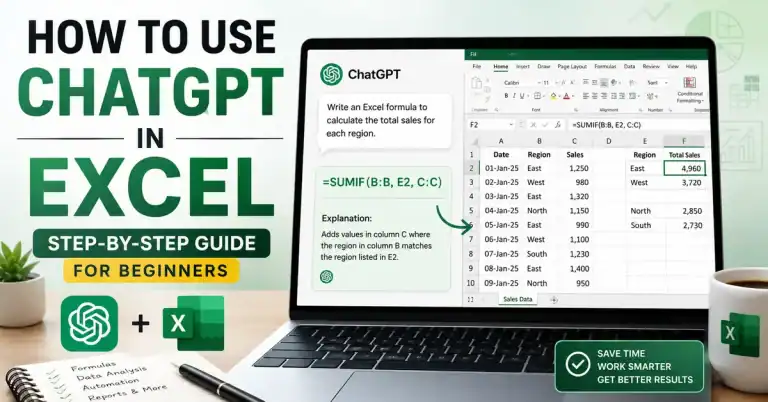
- How to Use ChatGPT in Excel
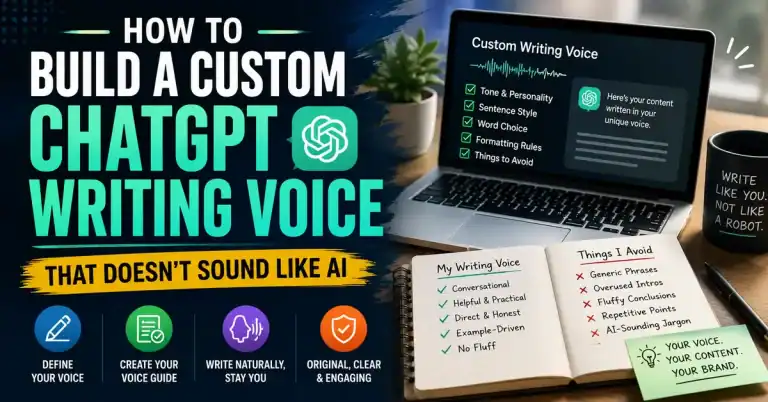
- How to Use ChatGPT for Writing
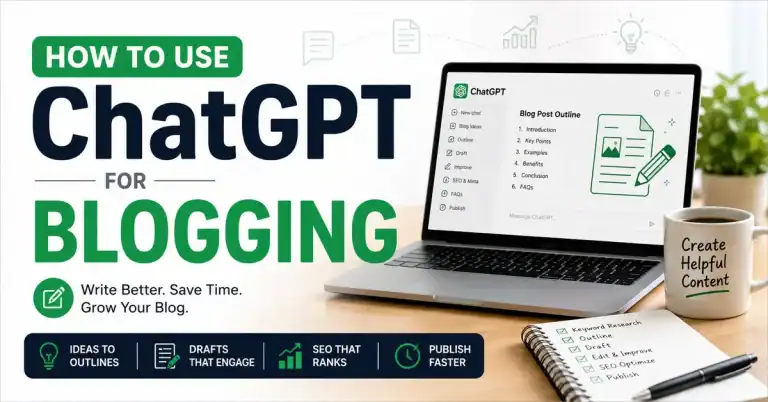
- How to Use ChatGPT for Blogging
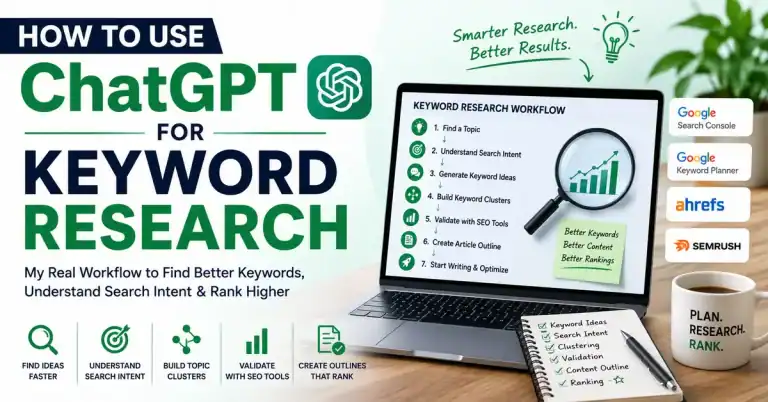
Coming soon: ChatGPT for Keyword Research and a dedicated Best ChatGPT Prompts for SEO guide.
FAQs
Can ChatGPT improve SEO?
Yes, indirectly. It speeds up outlines, drafts, and SEO elements like meta titles and FAQs, which frees up time for the research and quality work that actually improves rankings.
Can ChatGPT do keyword research?
Not reliably. It has no access to real search volume or ranking data, so it should only be used for brainstorming keyword ideas, not final keyword decisions.
Is ChatGPT good for on-page SEO?
Yes, for structural help, headings, readability, and keyword placement suggestions. Technical SEO and final keyword strategy still need dedicated tools.
Does Google penalize AI SEO content?
No, not simply for being AI-assisted. Google penalizes low-quality or manipulative content regardless of how it was created; the focus is on helpfulness and E-E-A-T, not the tool used.
What are the limitations of ChatGPT for SEO?
It can’t access live rankings, can’t replace Search Console data, and can get facts or tool details wrong; everything it produces needs a human review.
What is the best way to use ChatGPT for SEO?
Use it for the repetitive parts outlines, structure, meta tags, FAQs and keep the strategy, fact-checking, and personal experience entirely in your own hands.
Conclusion
Learning how to use ChatGPT for SEO effectively isn’t about automating everything; it’s about working smarter.
Today, ChatGPT helps me brainstorm ideas, understand search intent, build structured outlines, improve readability, and create SEO elements faster. But every successful article still depends on careful research, personal experience, accurate information, and thoughtful editing.
If you use ChatGPT as an SEO assistant rather than a shortcut, you’ll create content that’s more helpful for readers and better aligned with Google’s long-term quality expectations.